Creative Mac cleanup risk
The safest cleanup question is not "what is big?" It is "what kind of file is this?"
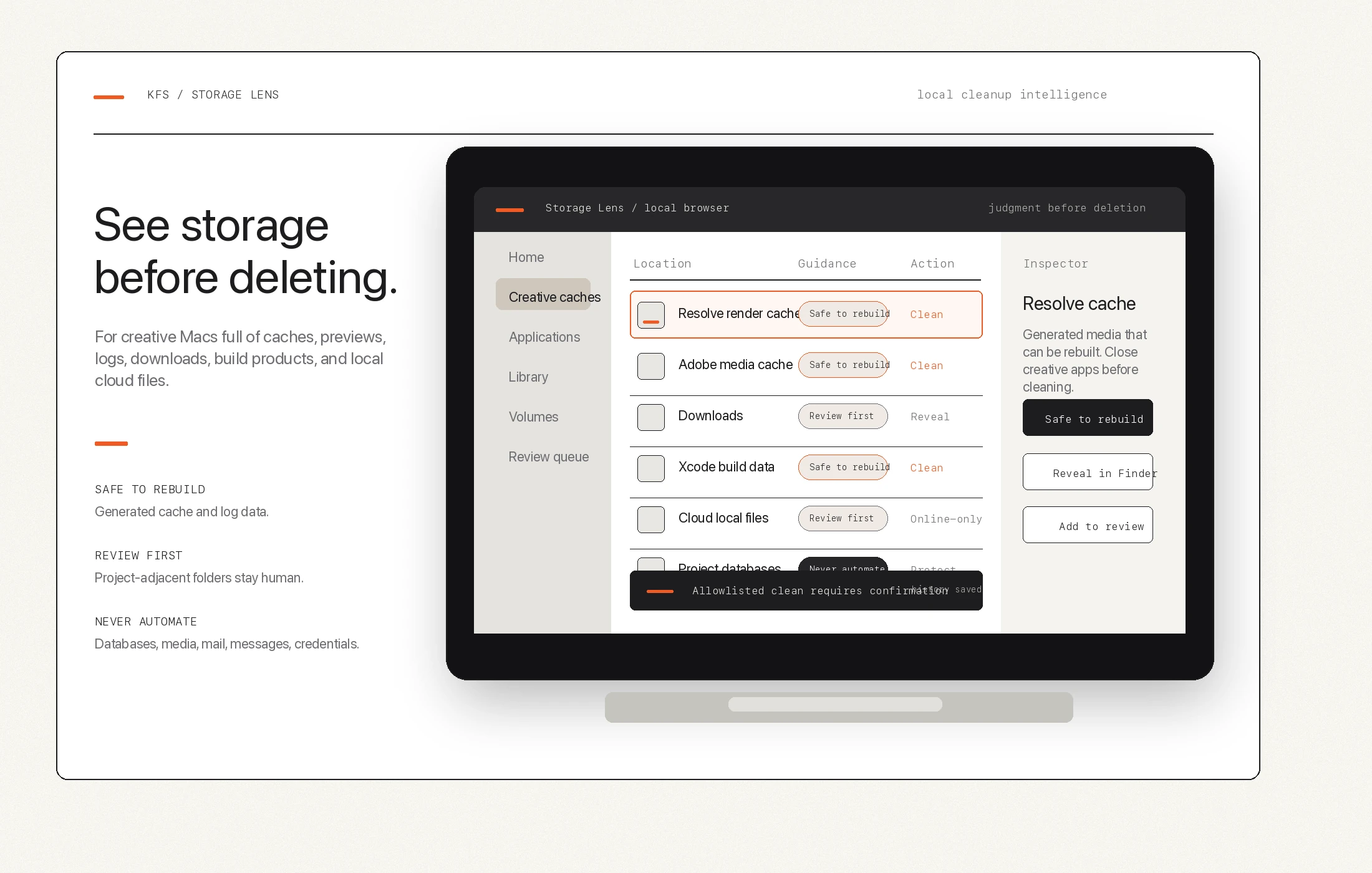
Storage Lens frames Mac cleanup around risk. Some files are rebuildable cache. Some need review. Some should never be touched by a one-click cleanup button.
Three buckets
Useful cleanup starts with risk labels.
-
01
Safe to rebuild
Generated cache and log contents that apps can recreate, especially when app-running checks are in place.
-
02
Review first
Backups, previews, proxies, Downloads, cloud-local files, and working folders that may be useful or expensive to rebuild.
-
03
Never automate
Project databases, source media, catalogs, Photos libraries, Mail, Messages, credentials, presets, plugins, and private app state.
Why broad cleaners feel risky
Creative folders can look disposable when they are not.
A proxy folder may be rebuildable, or it may be the only practical offline path for a current edit.
A Lightroom preview package may be huge, but it may also save time on a live catalog.
A project backup may look old until the current project needs it.
A cache folder may be safe today and unsafe while an app is actively using it.
Storage Lens position
Judgment is the product.
Storage Lens is not trying to be the loudest Mac cleaner. It is a local storage view for creative people who need space and still care about project safety. The goal is to make the right decision easier before automation touches anything.