Safe to rebuild
Render cache and old logs.
These are the kinds of generated files a cautious cleanup workflow can often review first.
DaVinci Resolve cache cleanup on Mac
Resolve can generate render cache, logs, proxies, gallery stills, backups, and media folders. Storage Lens separates what may be rebuildable from what deserves careful review.
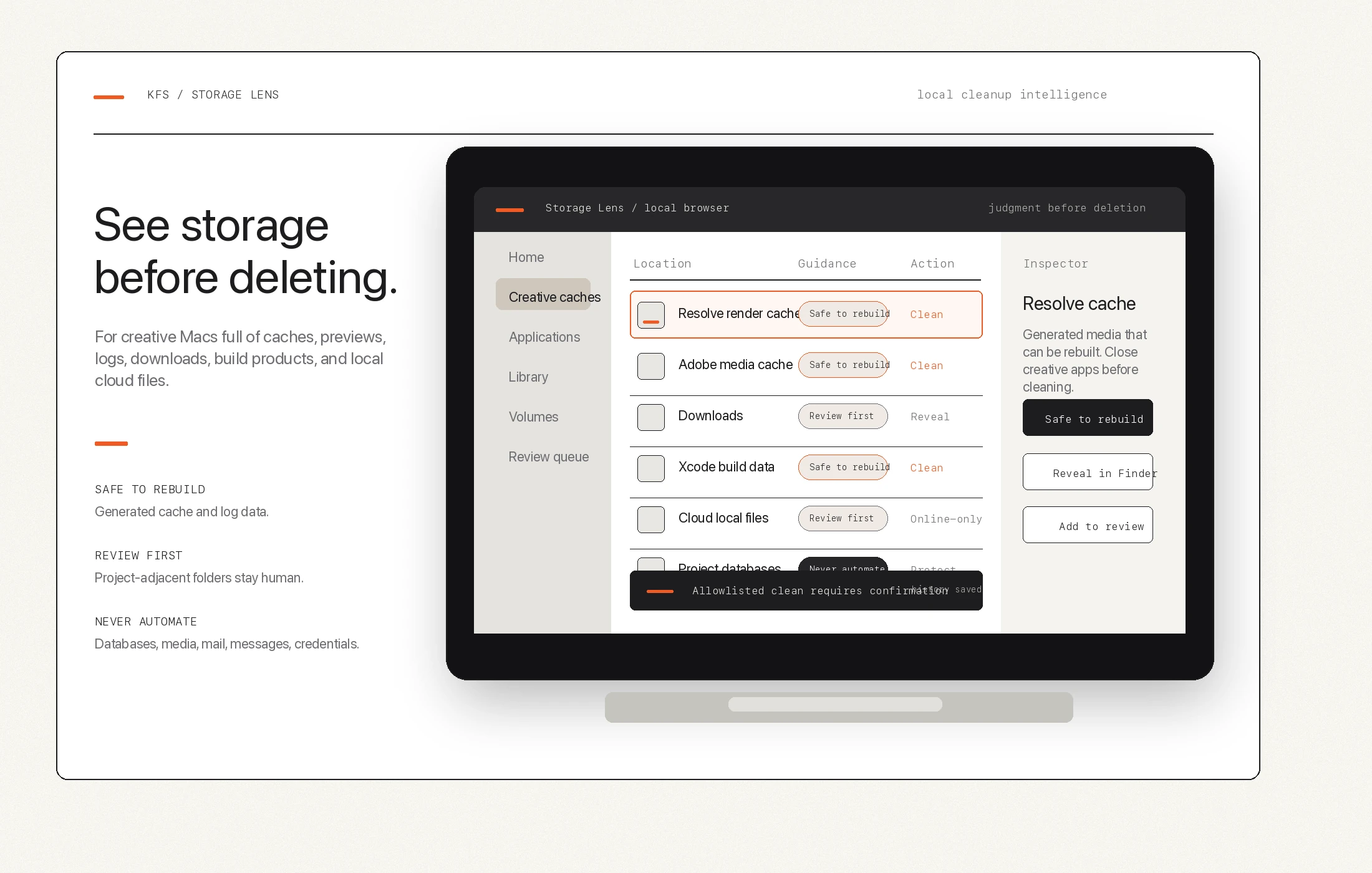
Safe to rebuild
These are the kinds of generated files a cautious cleanup workflow can often review first.
Review first
They may be removable, but they may also be expensive project context.
Never automate
Project databases, libraries, and originals stay out of one-touch cleanup.
Why Storage Lens
Cache can be huge, but a huge folder is not automatically safe to remove.
Resolve projects have memory. Backups, galleries, databases, proxies, and original media carry different risk.
The safer path is to label cleanup type before deletion, then keep automation narrow.