Checks
Confirms macOS and Python.
The installer confirms it is running on a Mac and uses an available Python 3 runtime.
Install notes
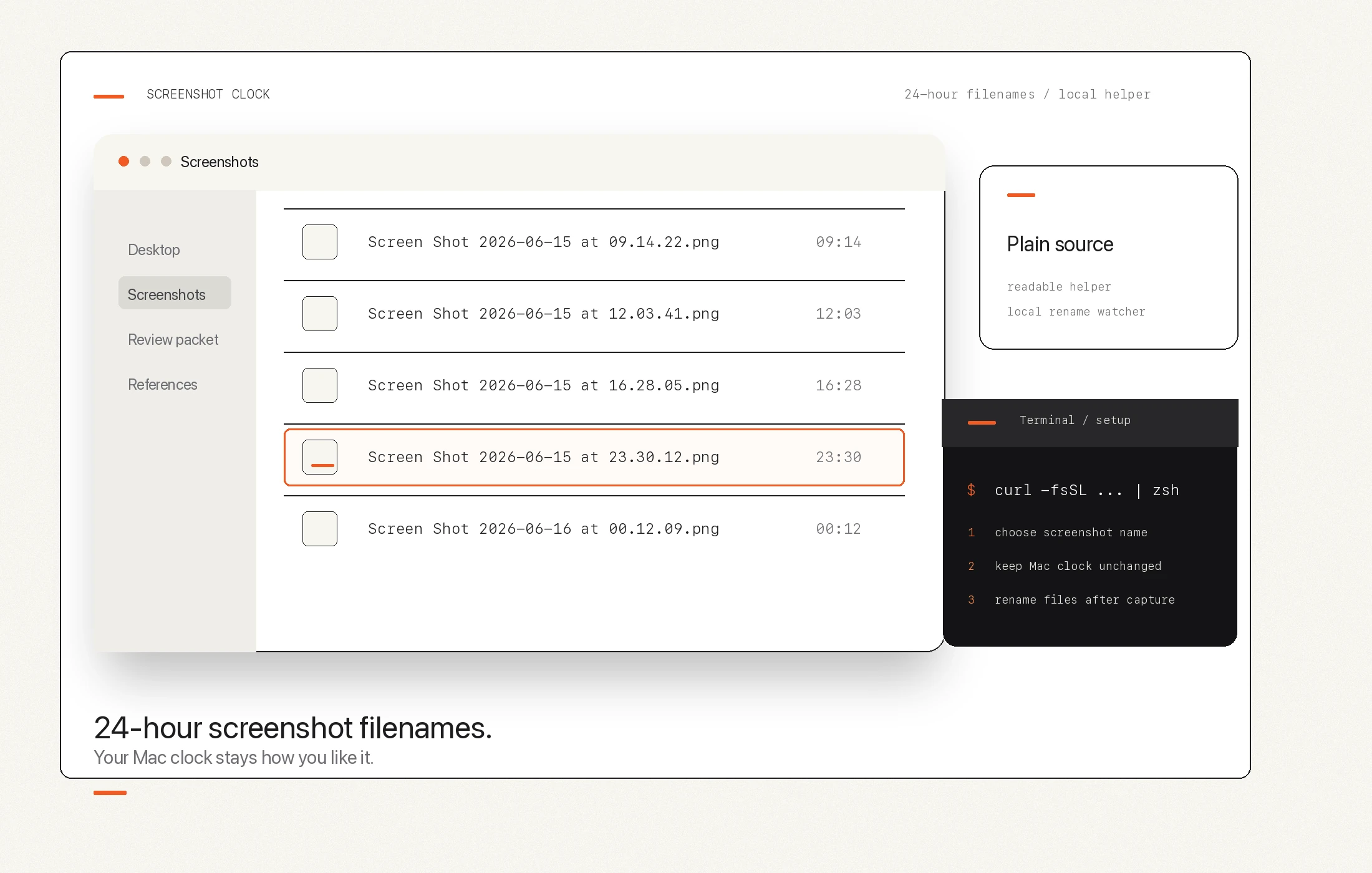
Screenshot Clock uses a Terminal command because it is a tiny local utility, not an App Store app. This page explains the install path, helper files, watcher mode, and removal model.
Checks
The installer confirms it is running on a Mac and uses an available Python 3 runtime.
Downloads
The shell script downloads the visible macosscreenshot.py helper from this site.
Prompts
The helper shows screenshot name, location, and time-mode choices before installing watcher mode.
What changes
Local support folder: the tool keeps its helper under your user Library Application Support folder.
Local command: setup can add a reusable macosscreenshot command under your user-local bin path.
Optional watcher: the recommended post-hook mode uses a user LaunchAgent to rename screenshots after macOS creates them.
System clock: the recommended mode does not change the visible Mac clock.
Removal
Screenshot Clock is designed to be rerun for status, setup changes, and watcher removal. The public source links stay visible so the command is inspectable before and after install.