Designers
Keep iteration captures and UI references in clean order.
Mac screenshot filename guide
macOS screenshot filenames can be awkward when review folders get busy. Screenshot Clock keeps the built-in screenshot flow and fixes the filename order.
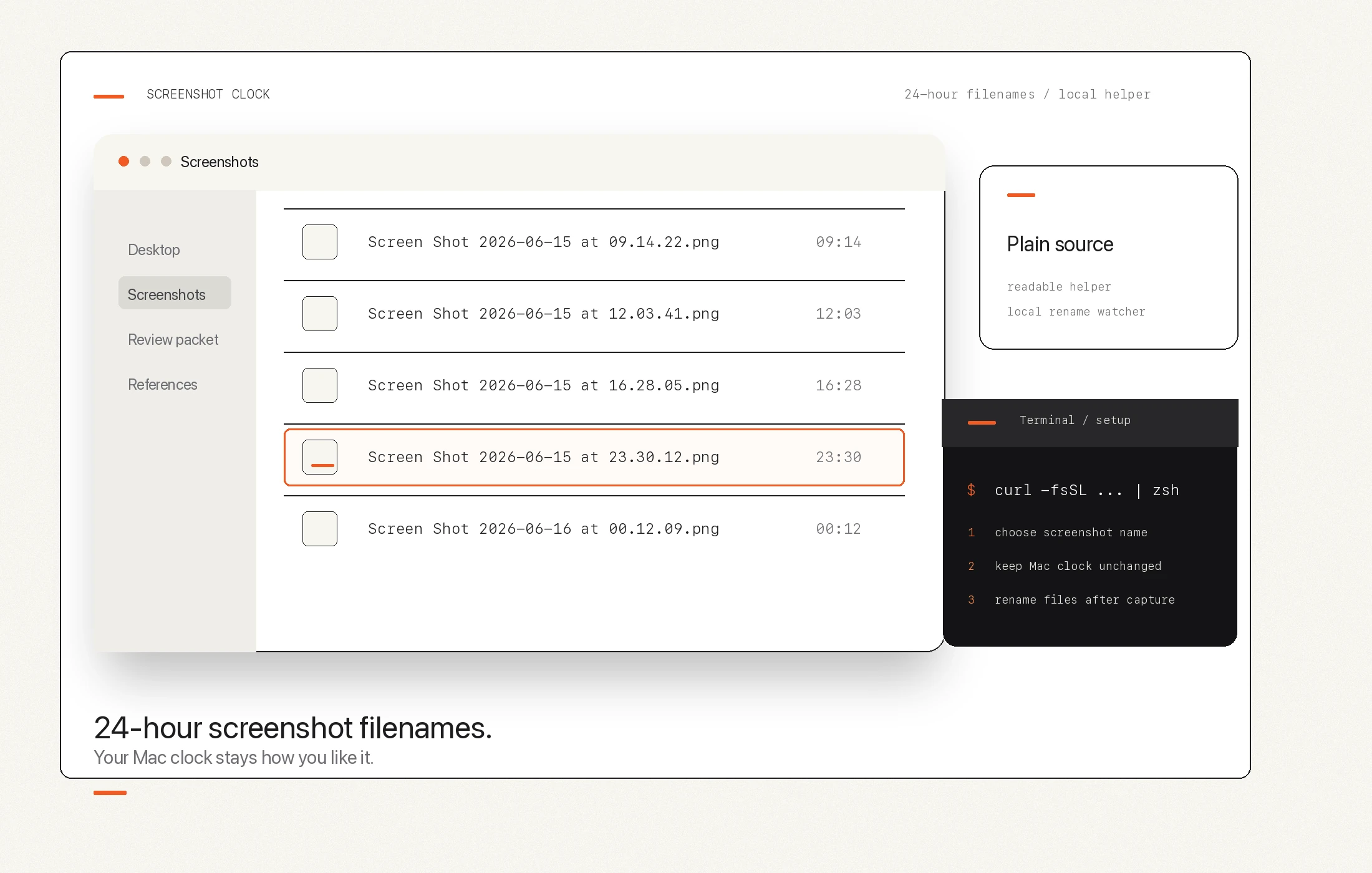
Before and after
Screen Shot 2026-06-15 at 11.30.12 PM.png
Screen Shot 2026-06-15 at 23.30.12.png
Why not just change macOS time?
System-wide 24-hour time works, but it can affect the menu bar and apps that follow the same time preference.
Screenshot Clock's recommended mode renames screenshots after capture, so the visible clock can stay familiar.
This is intentionally narrow: no new screenshot editor, no cloud sharing, no AI naming, no account.
Who it helps
Keep iteration captures and UI references in clean order.
Keep review frames, exports, and notes easier to find.
Keep bug screenshots and states organized without metadata digging.
Keep evidence folders readable when many captures happen in a day.